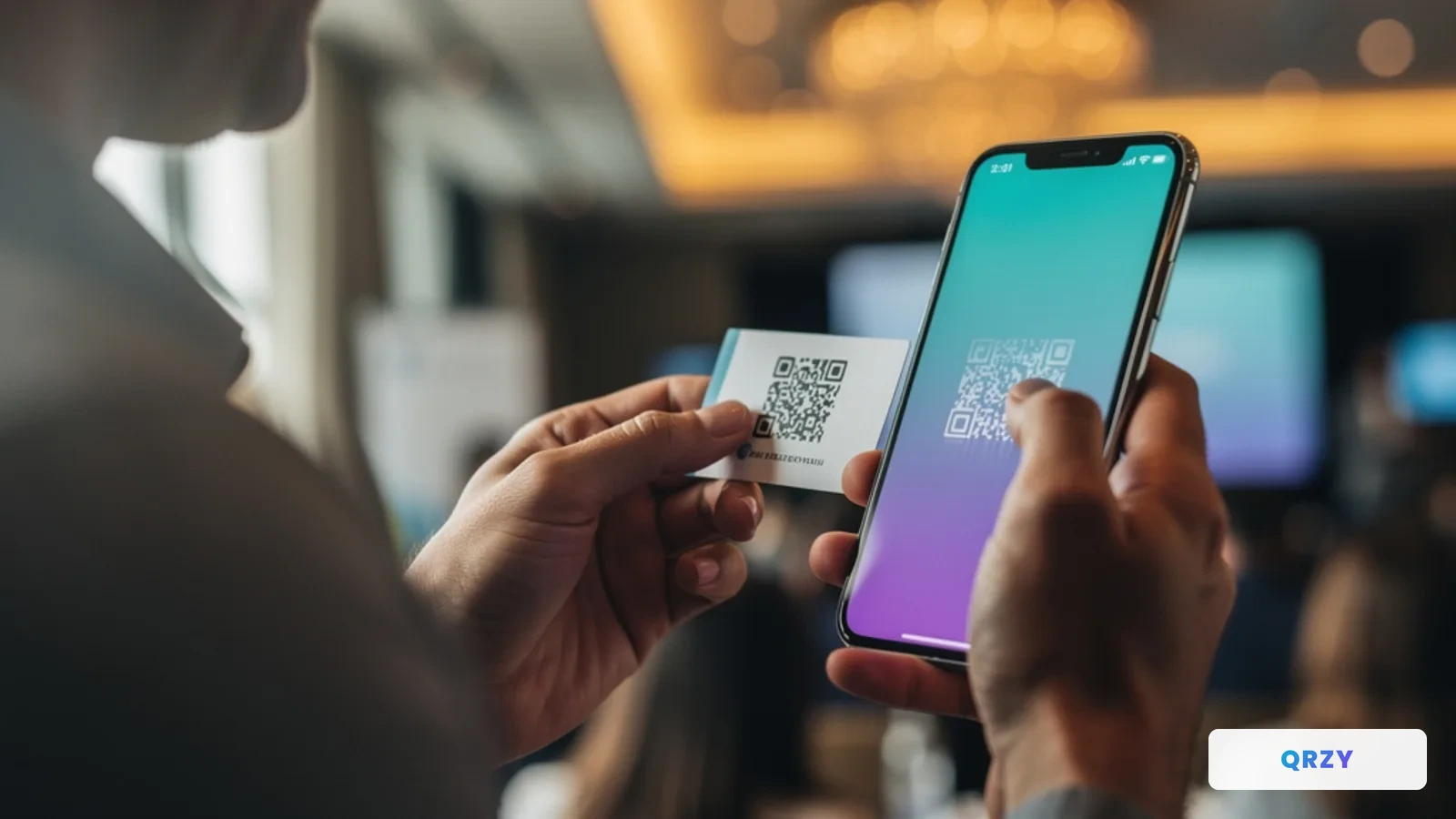
How One Couple Used a Single QR Code for Their Entire Wedding
From save-the-dates to photo albums — how Emma and Liam used one dynamic QR code across 7 wedding phases. No app downloads, no reprinting, 94% RSVP rate.
Read More →She added a QR code to her business cards but made a typo in the URL. 500 cards, all pointing to the wrong website. With a dynamic QR code, she could have fixed it in 10 seconds.
My sister got new business cards printed last year. She wanted to be modern about it — designed them herself, added a QR code to the back that would link to her portfolio website. Professional layout, nice stock, 500 cards. She was proud of them.
Then someone at a networking event scanned the code and said, "This goes to a 404 page?"
She'd made a typo in the URL. One wrong character. Five hundred business cards, every single one pointing to a page that didn't exist.
She couldn't fix it. The QR code was a static image baked into the design. The only option was to reprint — another $200 and two weeks of waiting. She stuck with the broken cards for three months because she kept telling herself she'd "get around to reprinting."
That's when I told her about dynamic QR codes.
A static QR code is just an image that encodes a URL directly. Whatever URL you put in is what you get — forever. If the URL is wrong, the QR code is wrong. If you want to change where it points, you need a new QR code and a new print run.
A dynamic QR code works differently. The code itself points to a short redirect URL. When someone scans it, the redirect sends them to whatever destination you've configured — and you can change that destination anytime, from a dashboard, without touching the printed card.
My sister's typo would have been a 10-second fix. Log in, correct the URL, done. Every card she'd already handed out would instantly point to the right page.
But fixing typos is just the beginning.
Once my sister understood that the QR code's destination could be updated after printing, she realized she could do much more than just link to her portfolio.
My sister attends industry fairs and conferences regularly. Before each event, she updates her QR code to point to a special landing page for that specific conference — her booth number, a meeting booking form, relevant case studies, and a special offer for attendees.
When the conference ends, the link automatically reverts to her default portfolio page. No manual switching required. She sets the date range in advance, and the QR code handles the rest.
The same business cards she hands out at a Tuesday networking lunch do something completely different at a Thursday trade fair — and go back to normal on Friday.
Her card is even smarter than just conference mode. During business hours on weekdays, the QR code opens her Calendly booking page. People she meets can book a follow-up meeting directly from the card they're holding.
On mobile devices, it shows a quick-save contact card — one tap to add her to their phone contacts, plus a link to her portfolio.
Evenings and weekends? It goes to her full professional profile with her LinkedIn, company page, and bio.
Three different experiences from the same printed card, depending on when and how someone scans it.
Six months after printing those 500 cards, my sister changed companies. With a static QR code, those cards would have been trash — pointing to a portfolio page for a company she no longer worked at.
Instead, she updated the destination URL in her dashboard. Same physical cards, new company details. The cards she'd handed out at events months ago still work. If someone finds one of her cards in a drawer next year and scans it, they'll get her current information.
Here's what my sister's business card journey actually cost:
First attempt (static QR code):
Second attempt (dynamic QR code with QRZY):
The free tier gives you one dynamic QR code with smart routing rules and basic analytics. One code is all you need for a business card. If you want multiple codes — say, one for each team member — the Starter plan covers 3 codes for $100/year.
You might be thinking: "Why not just put a normal URL on the card and update the website behind it?"
You could. But then you're locked into that one URL forever. If you ever want to change domains, restructure your site, or point to a completely different service (like switching from a personal site to a Calendly page during conference season), you'd need to reprint.
A dynamic QR code separates the printed code from the destination. The code never changes. The destination changes whenever you want. That separation is the entire point.
My sister didn't need a better QR code generator. She needed to know that dynamic QR codes exist — that there's a version where the link isn't permanently baked into the image.
Most people who put QR codes on business cards, flyers, or packaging don't know this option exists. They treat QR codes like they treat printed text: permanent and unchangeable. Then they discover a typo, or their URL changes, or they want seasonal content, and they reprint everything.
You don't have to. Print once, update the destination whenever you want. That's it.
Want a business card QR code you can update after printing? Set up your dynamic business card →
From save-the-dates to photo albums — how Emma and Liam used one dynamic QR code across 7 wedding phases. No app downloads, no reprinting, 94% RSVP rate.
Read More →