dynamic-qr
Dynamic vs Static QR Codes: Which Should You Use?
Learn the key differences between dynamic and static QR codes — editability, tracking, cost, and use cases. Find out which type fits your needs.
Read More →A single dynamic QR code can carry a wedding through seven different destinations — save-the-date to thank-you photos — without a single reprint. Here's how the mechanism works, phase by phase.
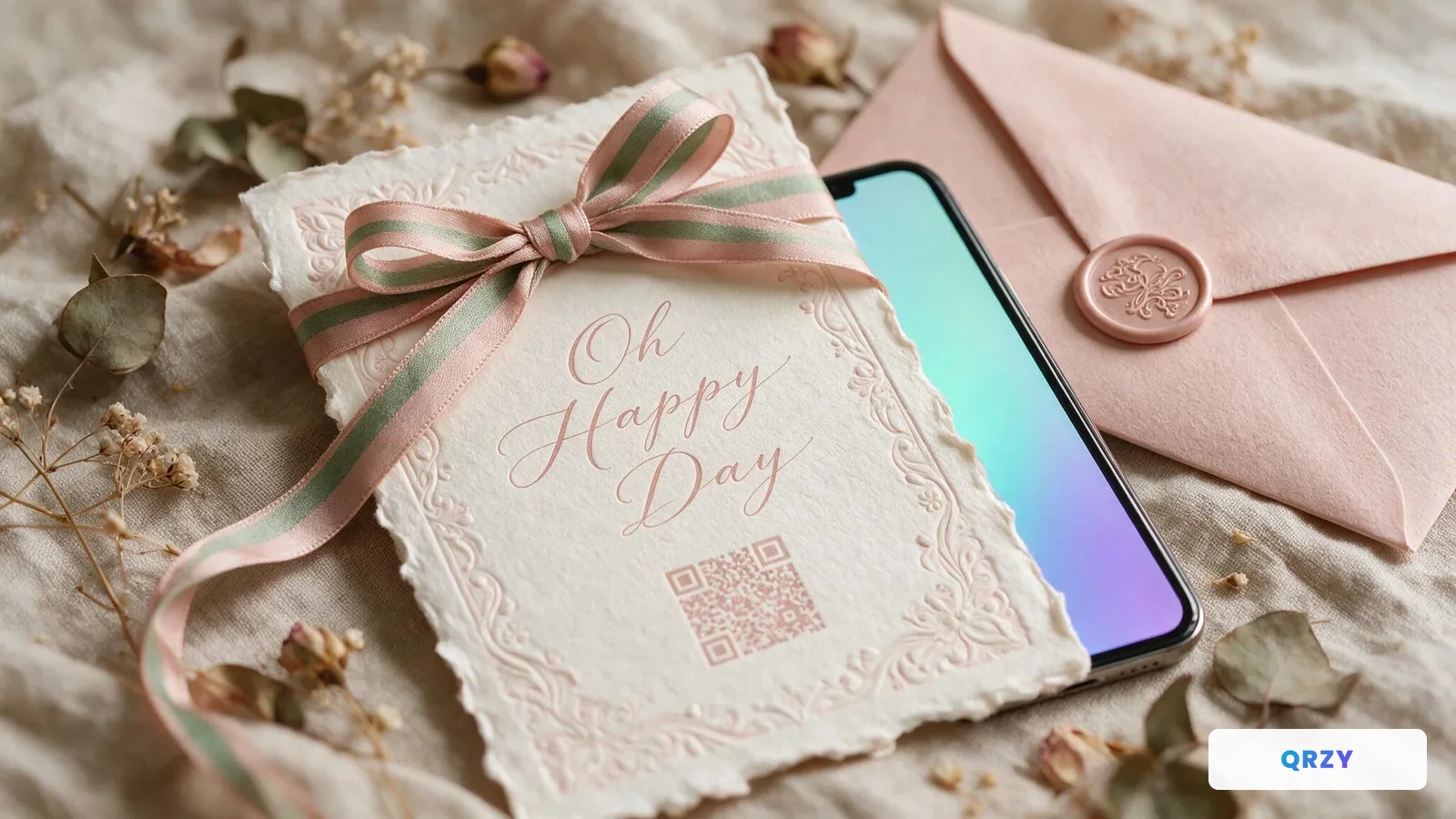
Say you've spent weeks choosing the perfect wedding invitation. Thick cotton paper, letterpress printing, a color you agonized over. Two hundred invitations, each one beautiful.
Then the venue calls. Water damage, a permit issue, a double-booking — it doesn't really matter which. What matters is you have four days to find a new venue, and two hundred printed invitations already sitting in a box, all with the wrong address.
Here's the thing nobody tells you when you're planning a wedding: any URL you print becomes a liability the moment it hits paper.
The venue changes. The RSVP form moves to a new platform. The registry link updates. The hotel block expires and you get a new booking URL. Every time something shifts — and something always shifts over an 8-month engagement — the printed link is wrong.
Most couples end up with a choice: four separate pieces of printed material for four different stages of the wedding, or one link that has to somehow cover all of it and inevitably goes stale.
There's a third option: a QR code that stays printed once, and points somewhere different depending on when someone scans it.
Picture a single QR code printed once, on a small sticker added to every invitation. Two hundred invitations, all pointing to the same short URL.
That URL's destination could change seven times over the following months. The invitations never would.
No app download required. Guests point a phone camera at the code the way they'd scan a restaurant menu — it works on any phone, no setup, no account.
Average wedding stationery costs $510 for the full suite (The Knot, surveyed roughly 17,000 couples). A reprint after a venue change runs $500–$1,200 — money that isn't in anyone's budget for a mistake nobody made.
Before the wedding, it's the wedding website — venue address, parking, hotel block. Guests who scan the save-the-date see the current venue immediately, whatever "current" means by the time they scan it. No confused calls, no "wait, I thought it was at the old place?" messages.
Six weeks out, it's the RSVP form. No new link to share, no postcard to mail — the invitation that's been sitting on the fridge for two months suddenly becomes the RSVP mechanism. Removing the friction of finding a card, finding a stamp, remembering a URL tends to move response rates a long way.
Two weeks out, it's the "everything you need" page — shuttle schedule, parking, dress code, a link to the registry for anyone who hasn't gotten to it. Out-of-town family stops calling with logistics questions because the answer is already in their pocket.
The morning of, it's the day-of schedule — ceremony time and entrance, cocktail hour location (with a rain backup), the reception timeline, the seating chart. A "Scan for the full schedule" sign at the entrance means even guests who forgot their invitation get the same information.
During the reception, it's a shared photo album. "Scan to add your photos" cards on every table capture what the hired photographer doesn't — the side conversations, the dance floor, the moments a professional camera wasn't pointed at. No app to download, no account to create.
Weeks later, it's the thank-you page — a note, a curated set of favorite photos, maybe an early cut of the highlight video. Anyone who picks the invitation back up off the fridge gets something real instead of a dead link.
Zero dollars spent on reprinting, regardless of how many times the plan changed. One QR code used reliably from save-the-date through thank-you. Every guest seeing correct, current information at every stage — without anyone chasing them down to explain what changed.
Years later, that same invitation — still on someone's fridge, or framed on a wall — still scans to something. Not a dead link, not a 404. Just whatever the couple decided it should show last.
QRZY's free tier includes one dynamic QR code — which is exactly how many a wedding needs.
Create it once, print it once, update the destination whenever the plan changes. Every guest who scans gets whatever it's pointed at most recently.
For a closer look at how couples structure this, visit QRZY for Weddings. If you're ready to set up your own phase-by-phase QR code, the wedding journey template walks through the whole thing.
Free tier covers everything you need — no credit card required
Learn the key differences between dynamic and static QR codes — editability, tracking, cost, and use cases. Find out which type fits your needs.
Read More →Two years ago, a family member of ours printed business cards for a conference — and found out the QR code was wrong only after they'd already been printed. That's the problem QRZY exists to solve.
Read More →