how-to
QR Code for Google Reviews: Use Google's Free One
How to get the free review QR code from your Google Business Profile, where to print it, the two rules that get reviews removed, and when to count scans per spot.
Read More →How to put a QR code on a for-sale sign or rider that still works after the house sells. What it should open, how big to print it, and how to move it to the next listing.
A rider outlives the listing. The house sells, the rider goes in the trunk, and next month it stands on a different lawn. Print a dynamic QR code on it once, and change where it points for every new listing. Point it at the listing itself: price, photos, a way to book.
The listing itself. Not a search page, not the agency homepage. The page should show this house on the first screen: the photo from the front, the price, the address. People scan from the sidewalk or a parked car, looking at the house, and what the scan should open has to match what they see.
Add one clear next step, such as "Book a viewing" or "Call me", that works on a phone with one tap. The words next to the code matter too: what to write next to a QR code.
A few things to check on your phone before you print:
A listing page has an end date. When the property sells or the listing expires, the page changes, moves or goes away, and you don't decide when. A rider printed with that link points at whatever is there afterwards, for as long as the rider exists.
There are two ways around it:
The second one is a dynamic QR code. The code holds a short link that you control, and the short link sends people on to the current listing. Our dynamic QR codes page explains how that works in general, and changing a QR code after printing covers what you can and can't change.
Give each physical rider or sign its own code. Then the code moves with the rider:
Write the code's name on the back of the rider ("Rider 3"), so you know which one to edit when it goes up on a new lawn.
Size follows distance. Our QR code size guide gives the rule: QR code size = scanning distance divided by 10. A sign scanned from 2 m (6.6 ft) needs a code about 20 cm (7.9 in) wide, and the guide treats that as a minimum. A rider is a narrow strip, so measure yours first. If the code people need doesn't fit on the rider, put it on the main sign instead.
Keep it high contrast, dark on light, with a white border around it. A code on a rider at the bottom of a sign also gets splashed, faded and partly covered by grass, so test it outside once it's up.
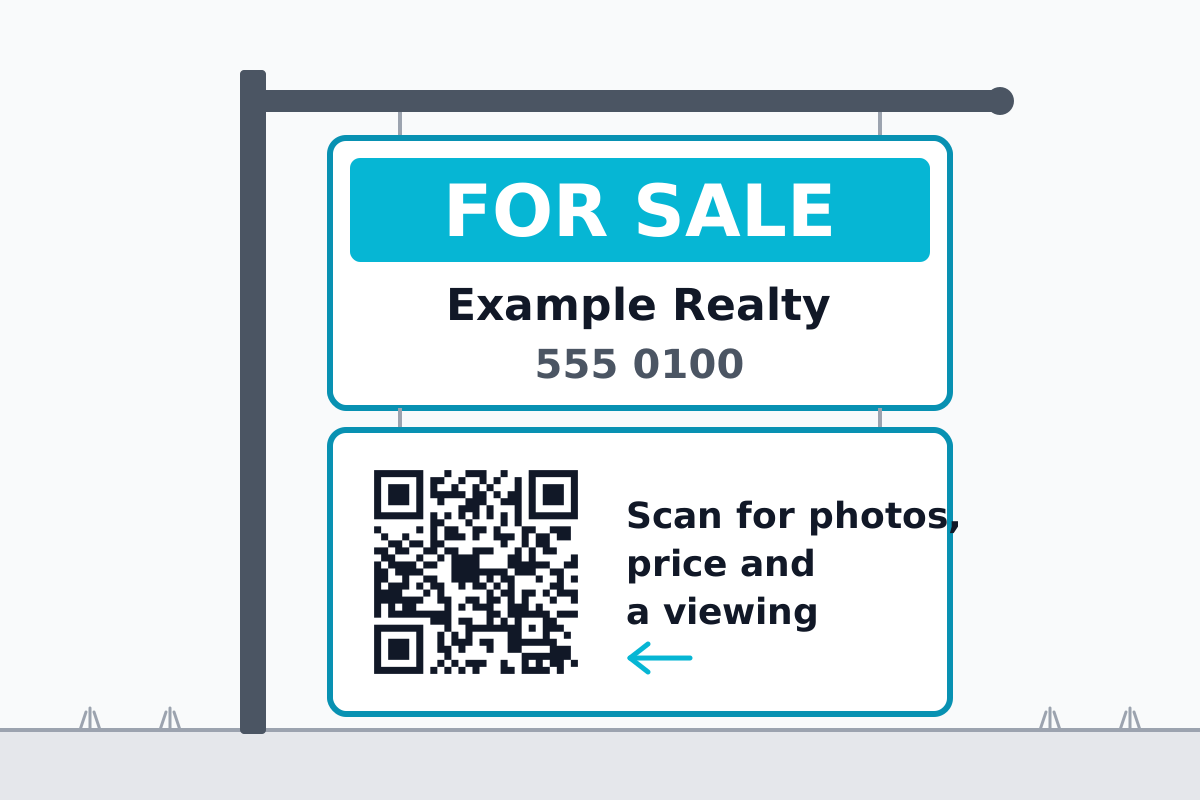 Illustration. The code on it is real: it opens go.qrzy.co/demodirect.
Which plan fits depends on how many riders you have:
If a paid plan ends, one code of your choice stays live (with the Free countdown) and the others pause until you upgrade again, so check that before you print a fleet of riders.
Each code counts its own scans, so you can see which rider gets scanned and on which days (by the hour on paid plans). What QRZY doesn't do: it doesn't connect to your MLS or portal, so when a listing changes, you change the link yourself.
Real estate uses beyond the sign are on QR codes for real estate. The same reprint problem on a car is in QR codes on vehicles, and on a postcard in QR codes on direct mail.
Should the code go on the main sign or the rider? Riders are cheaper to swap, and a code per rider makes each one easy to redirect. But a rider is narrow, so a code that must be scanned from a distance may need the main sign.
What should the code open after the house sells? Something still useful to the person standing there: your other listings nearby, or a page to get alerts for the area. Not a "sold" page with nothing else on it.
Can I see how many people scanned my sign? With a dynamic QR code, yes. A plain static code goes straight to the listing, so there's nothing in between to count the scans.
{ "Free plan": "one editable code with a 5-second countdown on every scan. Starter ($100/year) removes it and gives you 3 codes." }
How to get the free review QR code from your Google Business Profile, where to print it, the two rules that get reviews removed, and when to count scans per spot.
Read More →How to get the QR code Instagram gives every profile, when it is enough, and how to make your own that counts scans per spot and can point somewhere new later.
Read More →How to make a QR code for a link or website, free: in Chrome, Edge, on your phone, with a free generator, or as a dynamic code you can change later.
Read More →